
Table of Contents
IBPS PO Prelims Scorecard 2026 Out
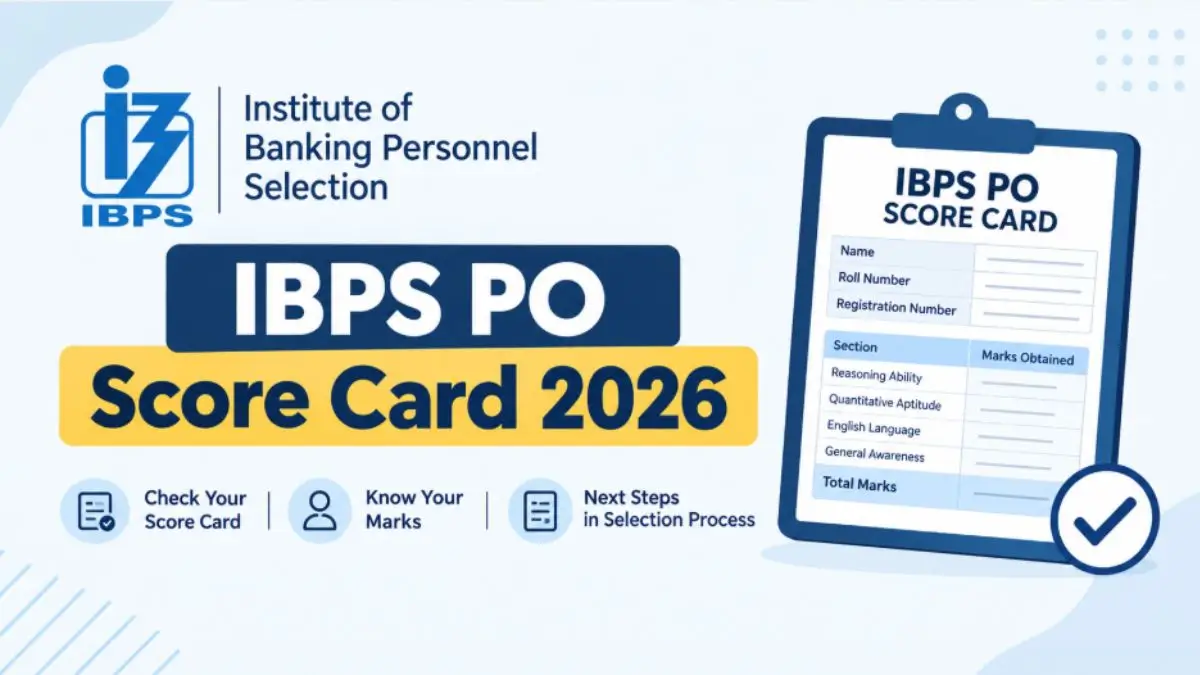
Candidates who have cleared the IBPS PO Preliminary Examination will be eligible to appear for the IBPS PO Mains Exam on 4 October 2026. The scorecard gives candidates a detailed view of their performance in the Prelims, including section-wise marks, total marks, and the sectional and overall cut-off marks.
The IBPS PO scorecard and result serve different purposes. The result confirms whether a candidate has qualified for the next stage, whereas the scorecard provides a detailed breakdown of the marks obtained and the cut-off applicable to the examination.
[Direct Link] IBPS PO Score Card 2026 Download
IBPS has activated the scorecard download link on its official website after releasing the detailed marks. Candidates need to log in using their Registration Number/Roll Number and Password or Date of Birth. Candidates can use it to check their section-wise and overall marks.
IBPS PO Score Card 2026 – Highlights
| Particular | Details |
| Exam Name |
IBPS PO/MT Prelims 2026
|
| Recruitment Cycle |
CRP PO/MT-XVI
|
| Prelims Exam Date |
22 & 23 August 2026
|
| Prelims Result | 23 September 2026 |
| Scorecard Status | Released |
| Expected Scorecard Date |
29 September 2026
|
| Mains Exam Date | 4 October 2026 |
| Scorecard Mode | Online |
| Official Website | ibps.in |
| Last Date to Download Scorecard | 28 October 2026 |
How to Download IBPS PO Scorecard 2026 PDF?
To download the IBPS PO Scorecard, candidates must follow the steps shared below.
- Visit the official IBPS website at ibps.in.
- Go to the CRP PO/MT section on the homepage.
- Click on the link for the IBPS PO/MT-XVI Score Card 2026.
- Enter your Registration Number/Roll Number and Password/Date of Birth.
- Enter the required captcha or security details, if displayed.
- Click on the Login/Submit button.
- Your IBPS PO Prelims Score Card 2026 will appear on the screen.
- Check your section-wise and overall marks carefully.
- Download the scorecard and save it for future reference.
- Take a printout of the scorecard if required.
Credentials Required to Download IBPS PO Pre Scorecard
To download the IBPS PO Marks 2026, candidates will need the following information:
- Registration Number/Roll Number
- Password or Date of Birth
- Captcha/security code, if required
IBPS PO Mains Descriptive Capsule 2026- Download PDF
What does the IBPS PO Scorecard shows?
The following details are mentioned on the IBPS PO Scorecard. Candidates must check these details to avoid any issues and discrepancies.
- Name of the candidate
- Roll Number
- Registration Number
- Category
- Examination name
- Examination date
- Marks obtained in each section
- Overall marks
- Sectional cut-off marks
- Overall cut-off marks
- Qualifying status, wherever applicable
What to do after downloading the Scorecard?
Once you download your IBPS PO scorecard, make sure to follow these steps:
- Check Your Marks Carefully
- Compare with the Cut-Off
- Save and Print the Scorecard
- Keep All Documents Ready
IBPS PO Prelims Section-wise Marks
The scorecard will provide candidates with a clear breakdown of their performance in the Preliminary examination. Candidates can check their marks separately for each section and their total marks.
| Section | Number of Questions |
Maximum Marks
|
| English Language | 30 | 30 |
| Quantitative Aptitude | 35 | 35 |
| Reasoning Ability | 35 | 35 |
| Total | 100 | 100 |
What Happens After the Scorecard Is Released?
After the IBPS PO Scorecard 2026 is released, candidates should check their sectional and overall marks and compare them with the prescribed cut-off. Those who qualify the respective stage will proceed to the next phase of the selection process.
Candidates should also keep their scorecard safely for future reference and stay updated with the official IBPS website for information about the next stage, such as the Mains examination or further selection process.
Also Check: IBPS PO Syllabus







 PFRDA Grade A Phase 2 Admit Card 2026, C...
 PFRDA Grade A Phase 2 Exam Date 2026 Out...
 UIIC Assistant Syllabus 2026 and Check D...