Table of Contents
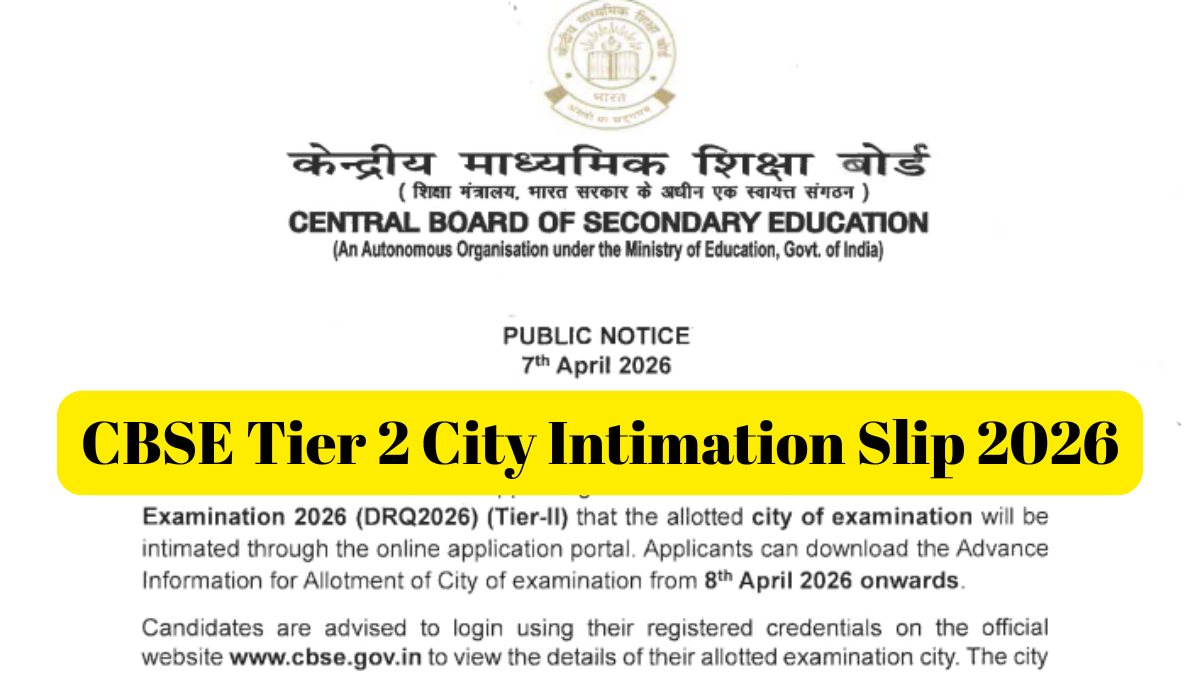
The Central Board of Secondary Education (CBSE) has released the Tier 2 City Intimation Slip 2026 on 8th April 2026 for Group A, B, and C posts. Candidates who applied for the CBSE Direct Recruitment Quota Examination 2026 can download the city intimation slip from the official website. This advance information helps candidates plan their travel and accommodation well before the examination day.
CBSE Tier 2 City Intimation Slip 2026 Out
The Tier 2 examination is set on 18th, 19th, 25th, and 26th April 2026, with admit cards to be released 2–3 days prior to the exam. Candidates can check their allotted exam city in advance through the provided link. The city intimation link has been activated on the official website for candidates appearing in the Tier 2 exam. This recruitment drive aims to fill 124 vacancies across Group A, B, and C posts, including Junior Assistant, Accounts Officer, Junior Accountant, Junior Translator, and others.
CBSE Recruitment Tier 2 City Intimation 2026- Highlights
| Particular | Details |
| Recruitment Authority | Central Board of Secondary Education |
| Post | Assistant Secretary, Assistant Professor, Accounts Officer, Superintendent, Jr. Accountant, Jr. Translation Officer, and Jr. Assistant |
| Vacancy | 124 |
| CBSE Recruitment Tier 2 Exam Date 2026 | 18, 19, 25, and 26 April 2026 |
| City Intimation | 8th April 2026 |
| Admit Card | 2-3 days before the exam date |
| Credentials Required | Application Number and DoB |
| Selection Process | Tier 1, Tier 2, and Skill Test |
| Official Website | cbse.gov.in |
CBSE Tier 2 Exam City Intimation 2026 Download Link
The CBSE Recruitment Tier 2 Exam City Intimation 2026 download link has been available on the official website for Tier 1 qualified candidates. Candidates can access their city intimation by entering the Application Number and DoB (Date-Month-Year) and Captcha code. A direct download link has been shared below.
Steps to Check CBSE Tier 2 Exam City Intimation Slip 2026
- Visit the official website of CBSE at www.cbse.gov.in.
- On the homepage, click on the “Recruitment” tab.
- Click on the link for “Direct Recruitment Quota Examination 2026” and proceed further and there you will find “Examination City 16/01/2026“.
- Once you click on the link, you will be redirected to a login page.
- Enter your Application Number and Date of Birth to log in.
- Enter the security captcha displayed on the screen and submit.
- Your CBSE Tier 2 City Intimation Slip 2026 will appear on the screen.
- Download or take a screenshot of the slip.
Details to Check on CBSE Tier 2 City Intimation Slip 2026
After downloading the City Intimation Slip, candidates must carefully verify the following details to avoid any confusion on the exam day:
- Candidate’s Name
- Application Number
- Post Applied For
- Exam City
- Exam Date
- Exam Shift/Timing
- Important Instructions