
Table of Contents
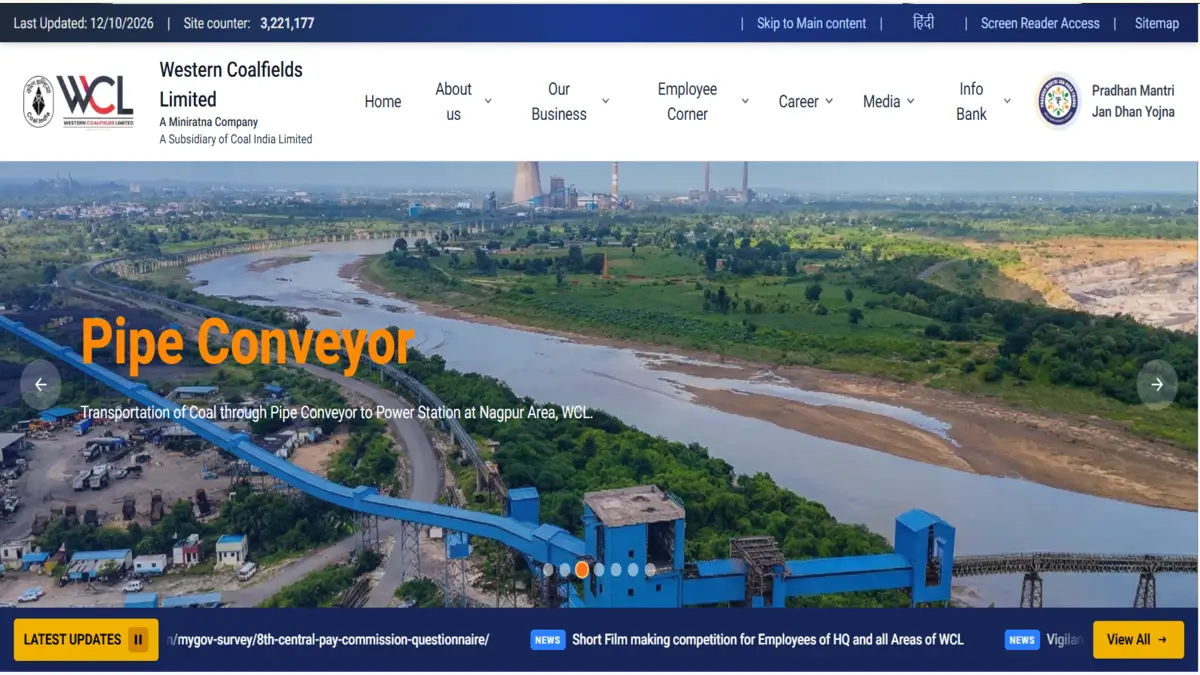
The WCL Admit Card 2026 for Mining Sirdar and Assistant Foreman posts has been released by Western Coalfields Limited (WCL). Candidates who applied for the 444 Mining Sirdar and Assistant Foreman posts can download their hall ticket from the official WCL website. The admit card is an important document required to appear for the Computer-Based Test (CBT).
Candidates should download their WCL Admit Card 2026 using their login credentials and check all the details carefully. The hall ticket contains important information such as the exam date, exam centre, reporting time, roll number and exam-day instructions.
WCL Admit Card 2026: Overview
| Particulars | Details |
|---|---|
| Organization | Western Coalfields Limited (WCL) |
| Posts | Mining Sirdar & Assistant Foreman |
| Total Posts | 444 |
| Mining Sirdar Posts | 220 |
| Assistant Foreman Posts | 224 |
| Exam Mode | Computer-Based Test (CBT) |
| WCL Admit Card Status | Released |
| Admit Card Release Date | 11 October 2026 to 14 October 2026 |
| Exam Date | 14 October 2026 |
| Selection Process | CBT & Document Verification |
| Official Website | westerncoal.in |
WCL Mining Sirdar & Assistant Foreman Admit Card 2026 Out
Western Coalfields Limited has released the Mining Sirdar and Assistant Foreman Admit Card 2026 on its official website. Candidates who completed the application process can now download their hall ticket online.
The admit card provides the candidate’s examination details and instructions to be followed at the exam centre. Candidates should download the hall ticket well before the examination date to avoid last-minute technical issues. Candidates are advised to verify their name, roll number, photograph, exam centre, date and reporting time after downloading the admit card.
WCL Admit Card 2026 Download Link
The WCL Admit Card 2026 download link is available on the official website. Candidates can use their registration details or other login credentials required by WCL to access the hall ticket.
How to Download WCL Admit Card 2026?
Candidates can follow the steps given below to download their WCL hall ticket once the admit card link is activated:
- Visit the official WCL website.
- Open the Career section.
- Look for the WCL Admit Card 2026 link.
- Click on the Mining Sirdar & Assistant Foreman admit card link.
- Enter the required login credentials.
- Click on the Submit button.
- The WCL Admit Card will appear on the screen.
- Check all the details mentioned on the hall ticket.
- Download and save the admit card.
- Take a clear printout for the examination.
Details Mentioned on WCL Admit Card 2026
Candidates should carefully check the information printed on their hall ticket. The WCL Admit Card is expected to contain the following details:
- Candidate’s name
- Roll number
- Registration number
- Photograph and signature
- Post applied for
- Exam date
- Exam centre name
- Exam centre address
- Reporting time
- Exam timing
- Examination instructions
What to Carry to the WCL Exam Centre?
Candidates should carefully read the instructions given on the admit card before appearing for the examination.
They should generally carry:
- A printed copy of the WCL Admit Card
- A valid photo ID proof
- Passport-size photograph, if required
- Any other document specifically mentioned in the admit card
WCL Admit Card 2026: Important Instructions
Before appearing for the examination, candidates should keep the following points in mind:
- Download the admit card from the official WCL website.
- Check your name, roll number and photograph carefully.
- Verify the exam centre and complete address.
- Note the reporting time and exam timing.
- Carry a printed copy of the admit card.
- Carry a valid photo ID as mentioned in the instructions.
- Reach the examination centre before the reporting time.
- Follow all instructions given by the examination authorities.



 MPPGCL ITI Apprentice Recruitment 2026 O...
 BEL Probationary Engineer Recruitment 20...
 OSSC CTSRE Answer Key 2026 Out, Download...