
Table of Contents
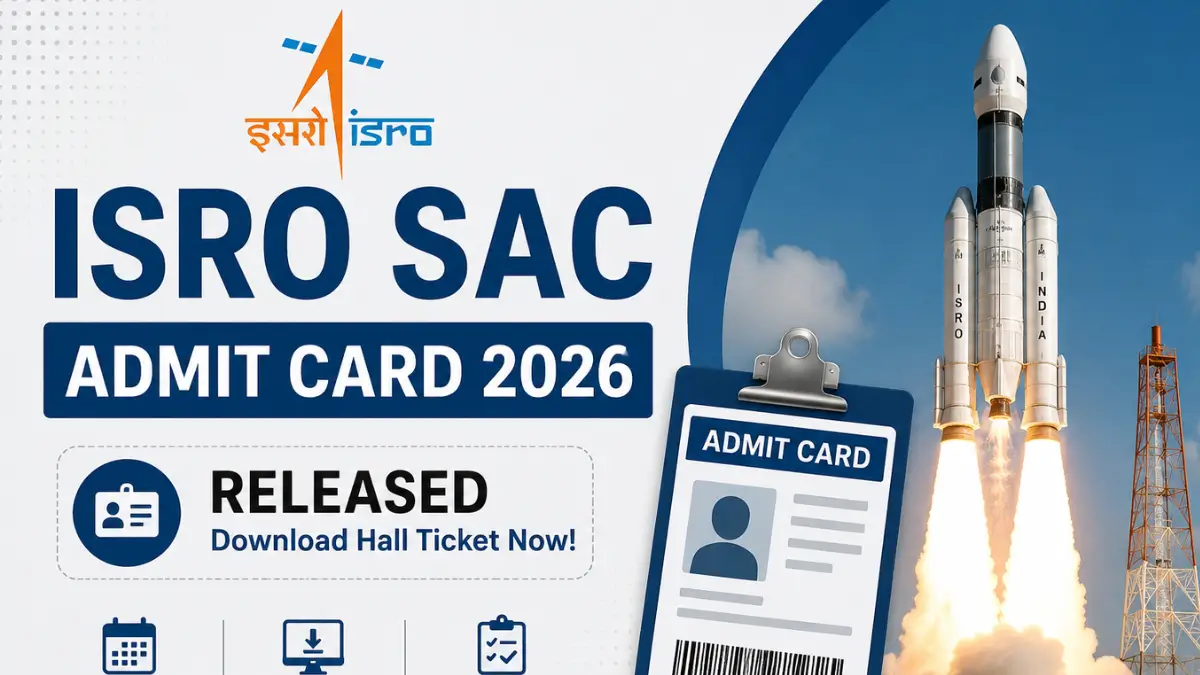
The Space Applications Centre has released the ISRO SAC Admit Card 2026 on the official candidate login portal. Candidates appearing for the CBT exam scheduled on 30 July 2026 can now download their hall ticket using their User ID and Password. The admit card contains important details such as the reporting time, exam centre, and exam-day instructions. Candidates must carry a printed copy of the admit card along with a valid photo ID to the examination centre.
ISRO SAC Admit Card 2026 Overview
The Space Applications Centre (SAC), ISRO has activated the admit card download link for the recruitment examination. Candidates must log in using their registered credentials to access their hall ticket.
| Particulars | Details |
| Organization | Space Applications Centre (SAC), ISRO |
| Exam Name | ISRO SAC Exam 2026 |
| Admit Card Status | Released |
| ISRO SAC Answer Key 2026 |
7 August 2026 |
| Mode of Release | Online |
| Exam Date | 30 July 2026 |
| Login Credentials | User ID and Password |
| Official Website | sac.gov.in |
ISRO SAC Admit Card Download Link
The ISRO SAC Admit Card 2026 Download Link has been activated on the official candidate login portal. Candidates can download their admit card by logging in with their Application Number, User Password, & Captcha Code. Candidates are advised to download their admit card as early as possible and carefully verify all the details mentioned on it before appearing for the examination.
How to Download ISRO SAC Admit Card 2026?
Candidates can follow these simple steps to download their hall ticket:
- Visit the official ISRO SAC candidate login portal.
- Click on the ISRO SAC Admit Card 2026 link.
- Enter your User ID and Password.
- Complete the security verification, if prompted.
- Click on the Login button.
- Your admit card will appear on the screen.
- Download the hall ticket and take multiple printouts for future use.
Important Exam Day Instructions
Candidates should follow the instructions mentioned on the admit card to ensure a smooth examination process.
- Reach the examination centre well before the reporting time.
- Carry all required documents.
- Do not carry electronic gadgets such as mobile phones, smartwatches, Bluetooth devices, calculators, or other prohibited items.
- Follow all instructions issued by the examination invigilators.
- Maintain discipline throughout the examination.










 RRC NWR Apprentice Recruitment 2026 Noti...
 ISRO Admit Card 2026, Download Scientist...
 IREL Tradesman Trainee Recruitment 2026 ...