
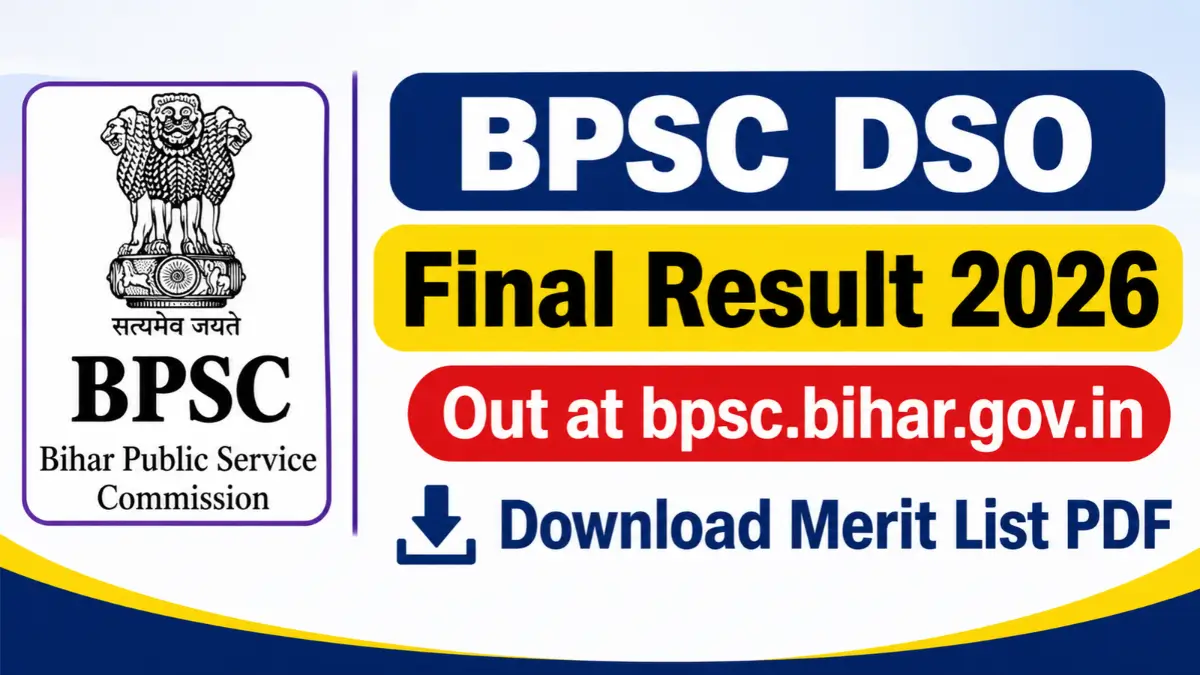
The Bihar Public Service Commission (BPSC) has declared the BPSC DSO Final Result 2026 for the District Statistical Officer (DSO)/Assistant Director posts under Advertisement No. 38/2025. The Commission released the final result on 23 November 2026 in PDF format on its official website, bpsc.bihar.gov.in. Candidates who appeared in the Mains examination and interview can now check their final selection status by downloading the merit list.
BPSC DSO Final Result 2026: Overview
The key details of the BPSC District Statistical Officer Final Result 2026 are given in the table below.
| Particulars | Details |
| Conducting Body |
Bihar Public Service Commission (BPSC)
|
| Post Name |
District Statistical Officer / Assistant Director
|
| Department |
Planning and Development Department, Bihar
|
| Advertisement No. | 38/2025 |
| Total Vacancies | 47 |
| Mains Exam Date |
29 and 30 January 2026
|
| Interview Date |
8 to 10 September 2026
|
| Final Result Date | 23 November 2026 |
| Total Candidates Recommended | 47 |
| Result Status | Released |
| Result Format | |
| Official Website |
bpsc.bihar.gov.in
|
BPSC DSO Final Result 2026 PDF Download
BPSC has published the final result in the form of a PDF containing the category-wise merit list of recommended candidates. Candidates can check their names, roll numbers and merit serial numbers in the official result document. Candidates should download the PDF and carefully verify their details.
BPSC District Statistical Officer Final Result 2026 – Direct Link
How to Download BPSC DSO Final Result 2026?
Candidates can follow the steps below to download the BPSC DSO Final Merit List 2026:
- Visit the official website of BPSC at bpsc.bihar.gov.in.
- Open the Results section on the homepage.
- Search for the DSO/Assistant Director Final Result under Advertisement No. 38/2025.
- Click on the result notification link.
- The final merit list PDF will open on the screen.
- Search for your roll number or name using the Ctrl + F option.
- Check your merit serial number and selection status.
- Download and save the PDF for future reference.




 UPSSSC Excise Constable Result 2026 Out ...
 APPSC ADO Result 2026 Accepted and Rejec...
 NICL AO Cut Off 2026, Check Category Wis...



 Adda247 Job portal has complete information about all Sarkari Jobs and Naukri Alerts, its latest recruitment notifications, from all state and national level jobs and their updates.